The work that follows your rules, and the controls around it.
Three modules sit underneath everything else: AI Tools for drafting, the Automation Platform for the rules you set up, and Administration & Security for deciding who is allowed to see what.
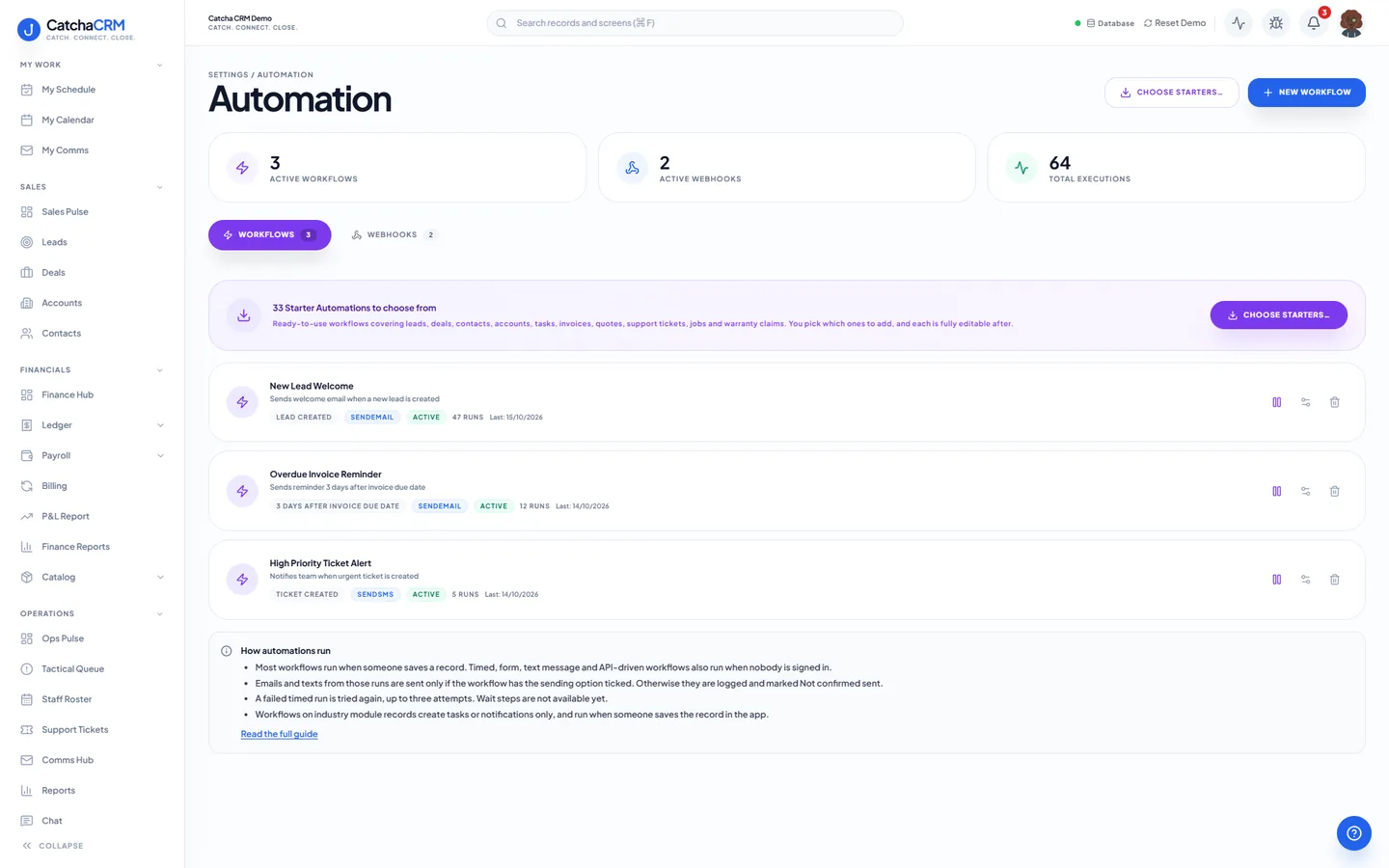
Automation: workflows with their trigger, action and run count, and webhooks on the neighbouring tab.
What is in AI, automation & security.
Every capability below is a line from the module table in our terms of service — the list your subscription actually entitles you to.
AI tools
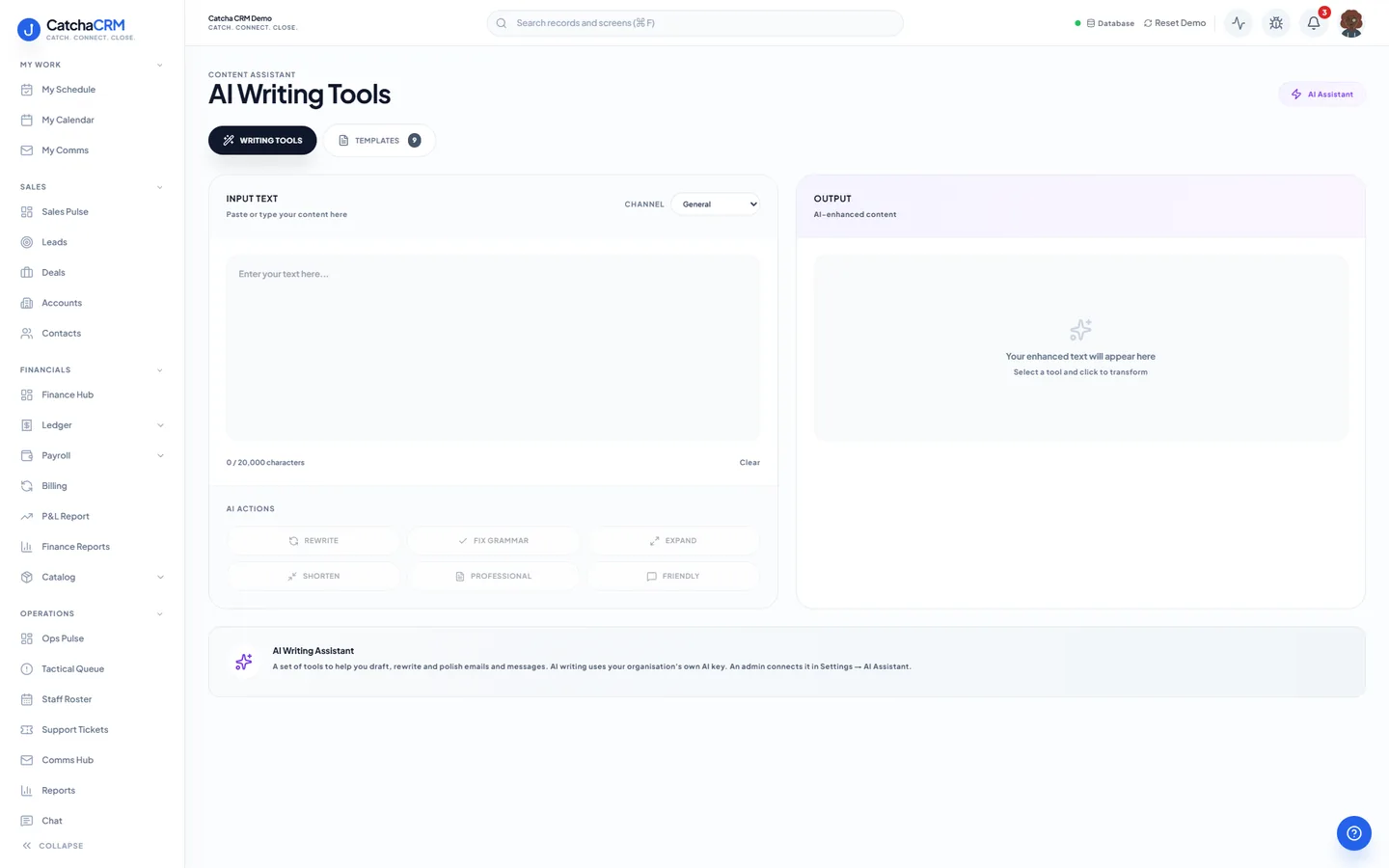
- AI-assisted drafting of copy, email pitches and SMS notifications
- AI drafting for emails, quotes and follow-ups
Automation
- Workflow rules & actions
- Workflow rules, webhooks and execution logs
- Outbound webhooks, scheduled actions
- n8n and agent tools through agent keys, on every plan
- REST API (Pro and Scale plans)
- Overdue invoices chased by SMS, with rules you set up
Roles and access
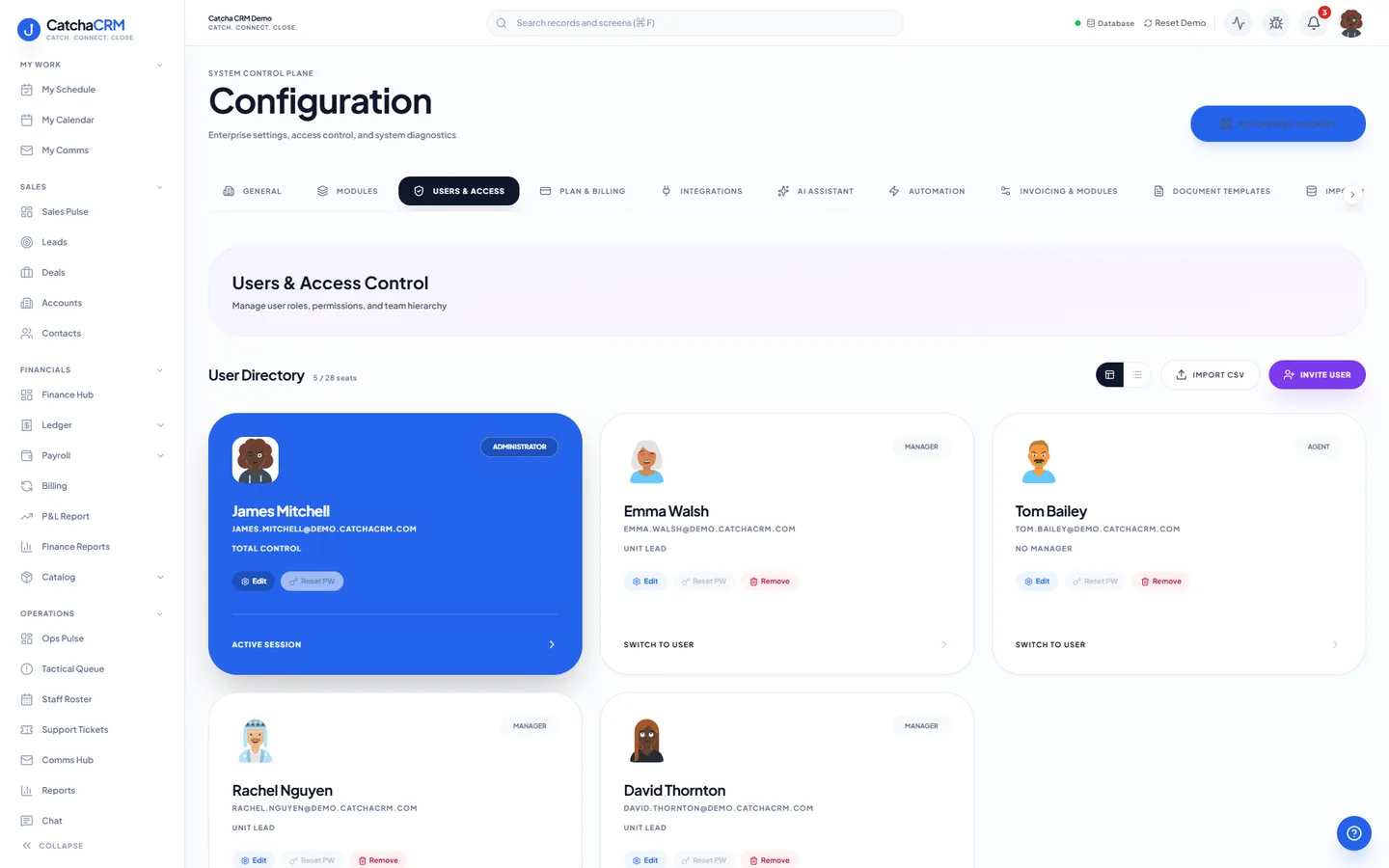
- Roles & permission sets, teams, territories, sharing rules
- Granular per-module permissions
- Industry packs switched on or off per role; admins can narrow a pack to "own" or "team" records
Audit and controls
- Audit trails, login history, IP restrictions
- Import/export jobs, custom fields
- Private file storage for job photos, receipts and attachments, with expiring links. 5 GB included on every plan. Storage used is shown in Settings, you are warned before you run out, uploads pause at the limit and files are never deleted
- White-label branding (Scale plan), multi-workspace controls
How work moves through it.
-
Set the rule
A workflow rule watches for a condition — an invoice past its due date, a deal that has not moved in a fortnight.
-
It fires
The rule runs its actions: an SMS, an email, a field update or an outbound webhook.
-
It reaches further
Anything the built-in actions do not cover goes out to n8n through the integration, or runs on a scheduled action.
-
AI drafts the wording
AI Tools draft the copy, the email pitch or the SMS. You review it before it goes anywhere.
-
You check the trail
Execution logs, audit trails and login history record what ran, what changed and who changed it.
Questions
- No. AI output may be inaccurate or incomplete, and you must review it before sending or relying on it. Prompt text may be processed through third-party AI providers, so do not include data you are not permitted to share.
- Yes. Roles and permission sets, teams, territories and sharing rules control access, and any module can be toggled off per workspace.
- Yes. Outbound webhooks and the n8n integration let a workflow rule call another system, and scheduled actions run on a timer rather than on an event.
No matches — email hello@catchacrm.com
Try AI, automation & security on your own data.
Start a 21-day free trial and the whole platform comes with it — toggle off the modules you do not want and they leave the sidebar.