The office and the field on one board.
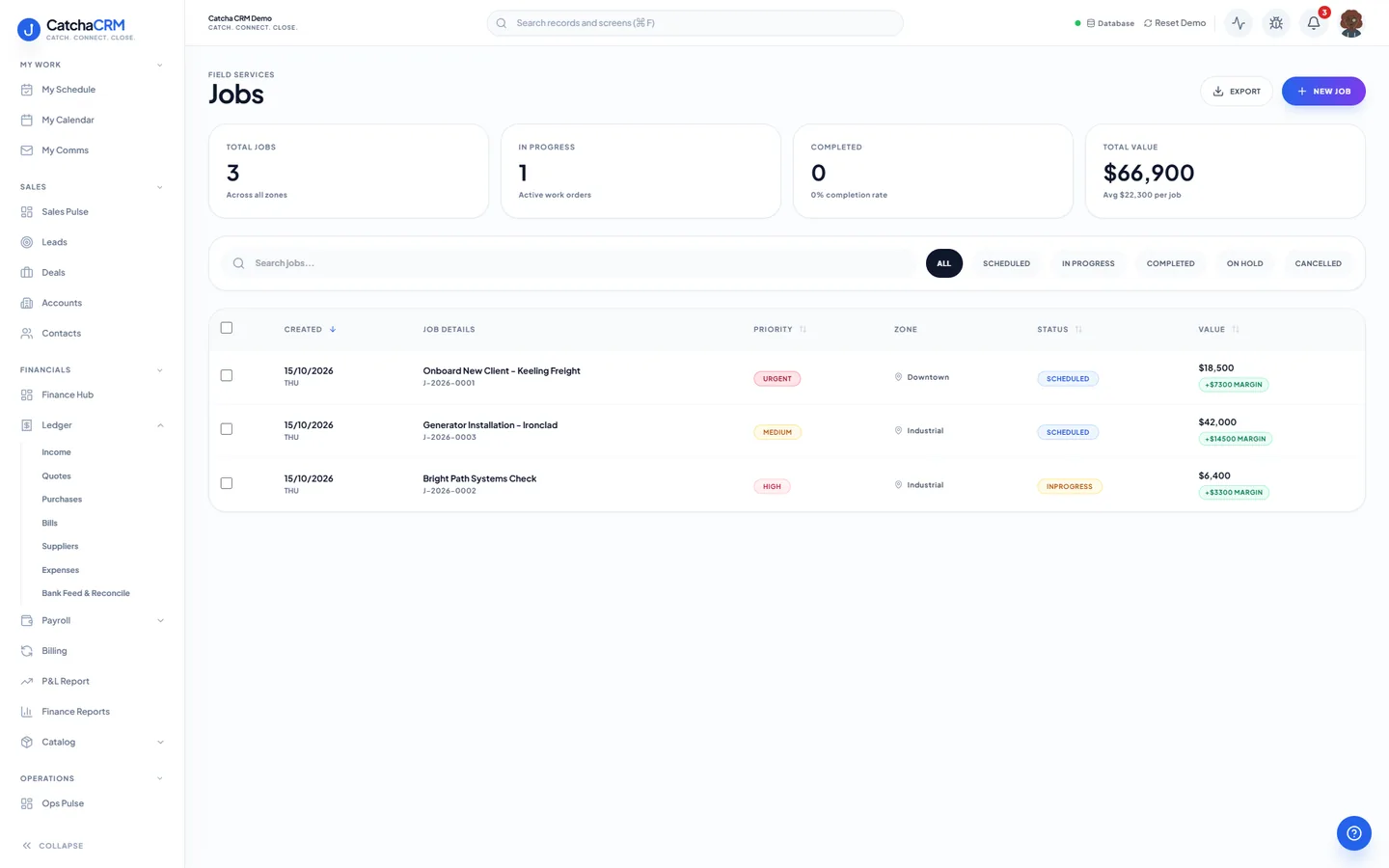
Jobs & Field Dispatch connects the dispatcher to the crew. Jobs, crews, zones and equipment are records in the same workspace as the deal that won the work and the invoice that follows it.
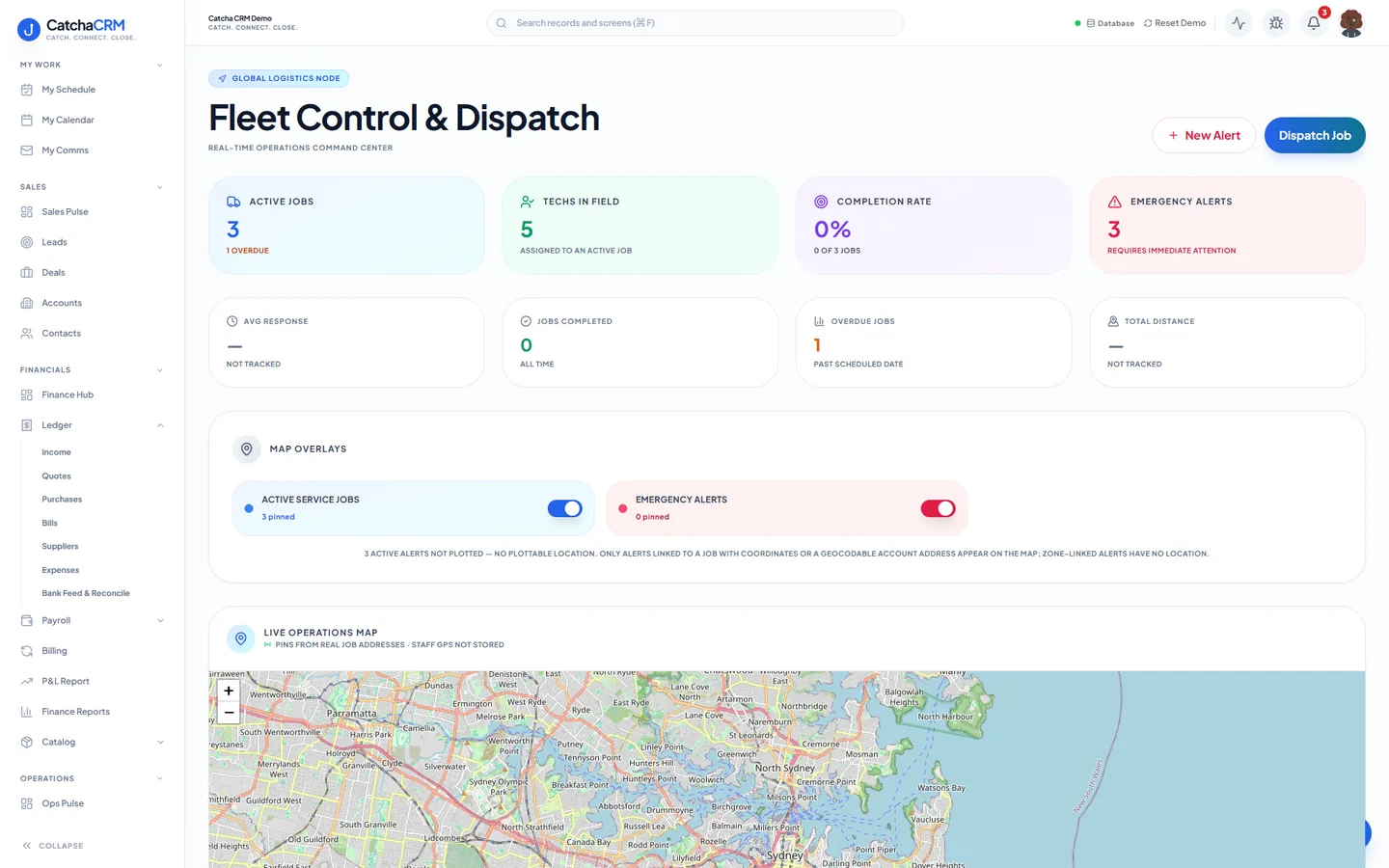
Fleet Control & Dispatch: active jobs, technicians in the field and emergency alerts, with a map of job locations below.
What is in Jobs & field dispatch.
Every capability below is a line from the module table in our terms of service — the list your subscription actually entitles you to.
Planning and dispatch
- Jobs, dispatch board, crews, zones, equipment
- Dispatch board with crew and zone calendars
- Dispatch alerts
On site
- Job checklists (incl. SWMS)
- Guided checklists — SWMS, materials log, site check
- Site photos, customer digital signatures
Parts and sign-off
- BOM parts picking from inventory
- Technician photo upload from site
- Optional customer signature at sign-off
Staff and timesheets
- Staff enter their own timesheets, including on the phone, and managers approve them
- Payroll (Beta) works out pay, tax and super. CatchaCRM does not pay your staff: you pay through your bank using the pay run report, or through Xero
- Contractors' approved hours go to a purchase order; employees' go to a pay run
How work moves through it.
-
Raise the job
A won deal or an inbound call becomes a job against the customer's account, with the site details attached.
-
Dispatch it
Assign a crew and a zone on the dispatch board. A dispatch alert tells the technician it is theirs.
-
Work the checklist
On site the technician opens the job checklist — SWMS, materials log, site check — and works down it.
-
Capture the evidence
Site photos upload from the staff phone view, and the customer can sign before the crew leaves if you want that sign-off.
-
Bill it
The completed job carries its picked parts through to a quote or an invoice in the billing ledger.
Questions
- No. Crews work in the same workspace through their own role scope, and get a phone view for their jobs, timesheets and messages. Add it to the home screen; there is no app store download. You assign admin, manager or worker scopes to your team, and modules can be toggled on or off per workspace.
- Yes. BOM parts picking pulls from the Inventory & Procurement module in the same workspace, so a job and a purchase order share one product catalogue.
- Yes. Job checklists including SWMS are part of the Jobs & Field Dispatch module, alongside site photos, customer digital signatures and dispatch alerts.
No matches — email hello@catchacrm.com
Try Jobs & field dispatch on your own data.
Start a 21-day free trial and the whole platform comes with it — toggle off the modules you do not want and they leave the sidebar.