Everything in one place.
The features usually split across five subscriptions, in one system under your own secure tenant. Fourteen modules in the subscription, grouped into the seven areas below. Toggle any module off and it disappears from the sidebar.
Sales CRM
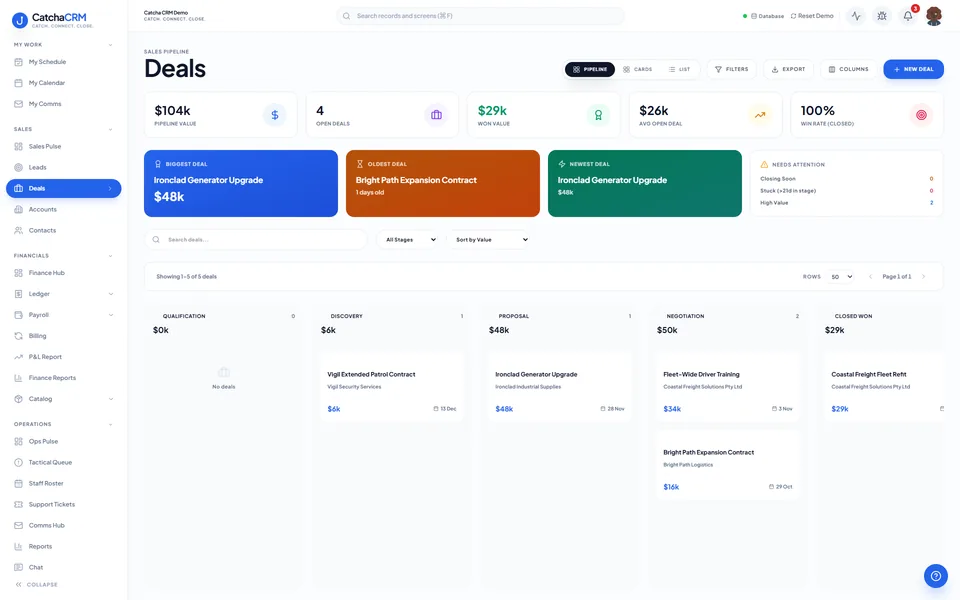
Leads, deals, contacts and accounts in one directory, with pipelines shaped to your sales cycle. Score leads on real activity and qualify with BANT before a deal reaches the board.
- Visual kanban pipelines with drag-and-drop deals
- Lead scoring to surface hot opportunities
- BANT (budget, authority, need, timeline) tracking
- Full communication history per contact
Quoting, invoicing & billing
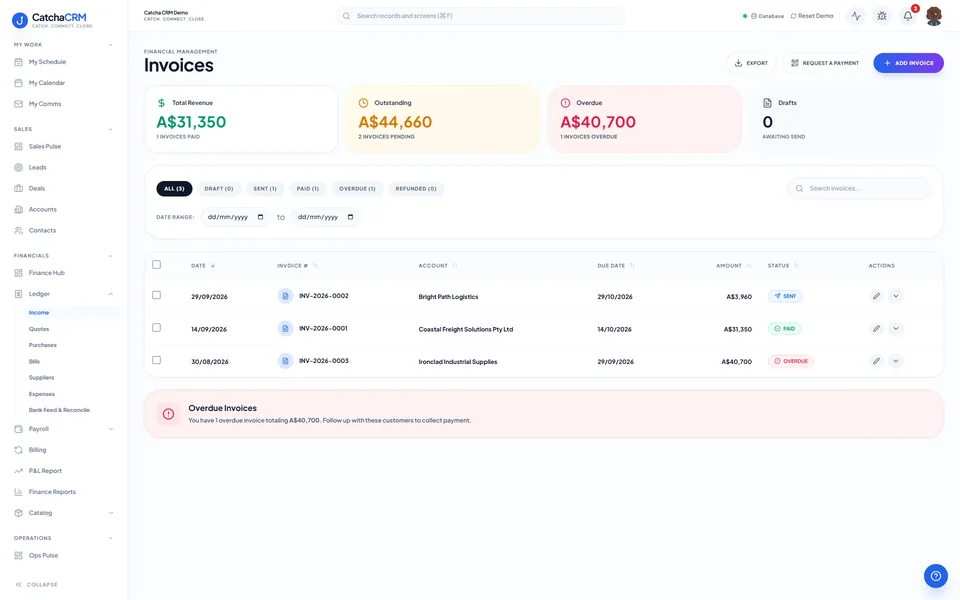
Quotes you send from your catalogue, marked accepted and converted to a GST tax invoice in one click, invoices sent through your own Stripe or PayPal, and the back office behind them — subscriptions, accounts payable and financial reporting. It runs alongside your accounting software, not instead of it.
- One-click quote → invoice conversion
- Pay page offers bank transfer, Stripe, PayPal or your own payment link, for the full balance
- Paid status and refunds sync back from Stripe / PayPal
- Bank statement import and reconciliation
- AR/AP ageing, GST/BAS summaries
Jobs & field dispatch
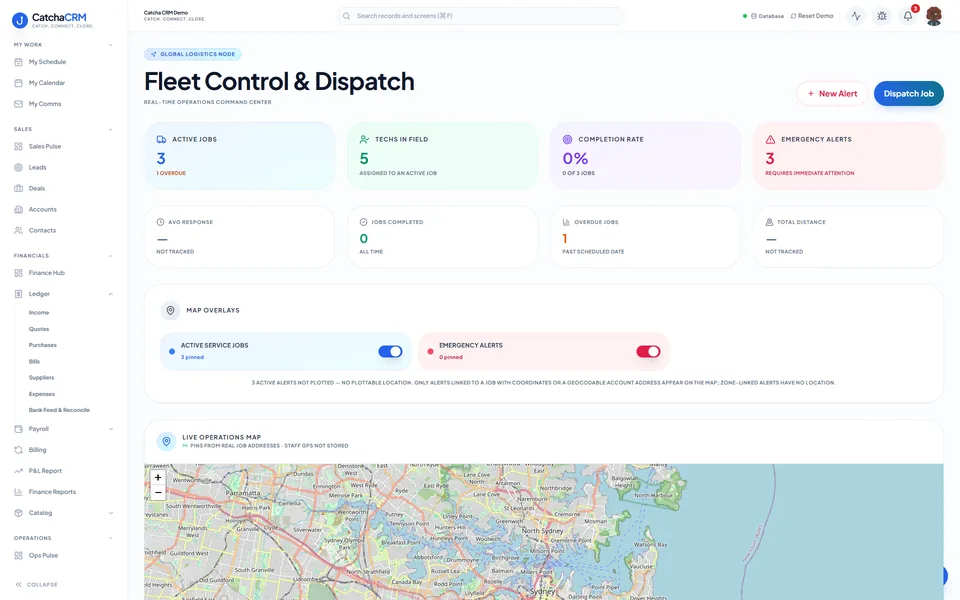
Office dispatchers and field crews on one board — plan jobs, assign a crew and a zone, and enforce safety with guided checklists. Photos and an optional customer signature, added from the phone, close the job out.
- Dispatch board with crew and zone calendars
- Guided checklists — SWMS, materials log, site check
- BOM parts picking from inventory
- Optional customer signature at job sign-off
Inventory & procurement
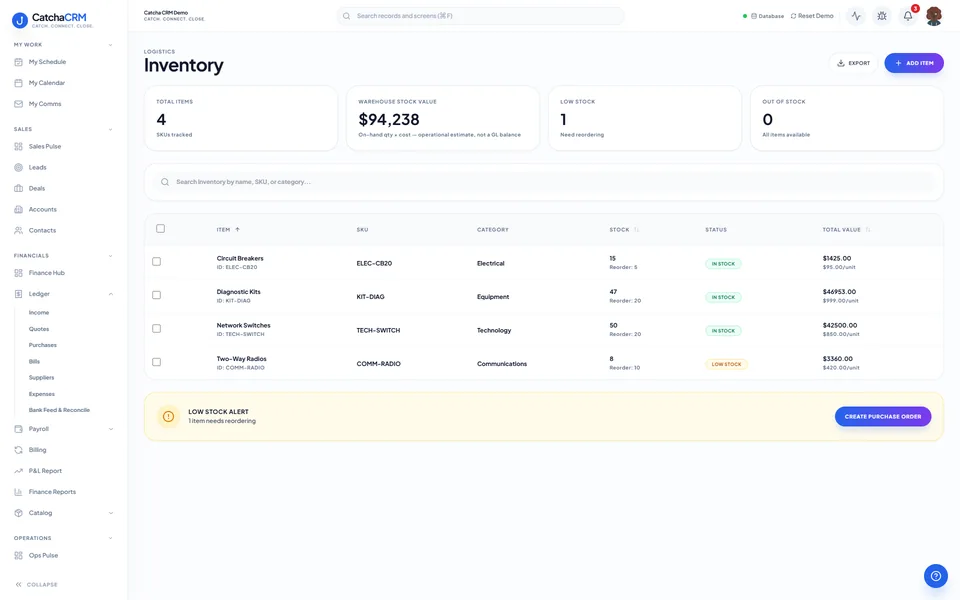
Product & service catalogues, stock and purchasing tied straight to the quotes and jobs that consume them. One catalogue fills a quote line, a job's parts list and a purchase order.
- Products, services, inventory items
- Warehouses & bin locations
- Purchase orders, RFQs, supplier quotes
- Supplier quote comparison
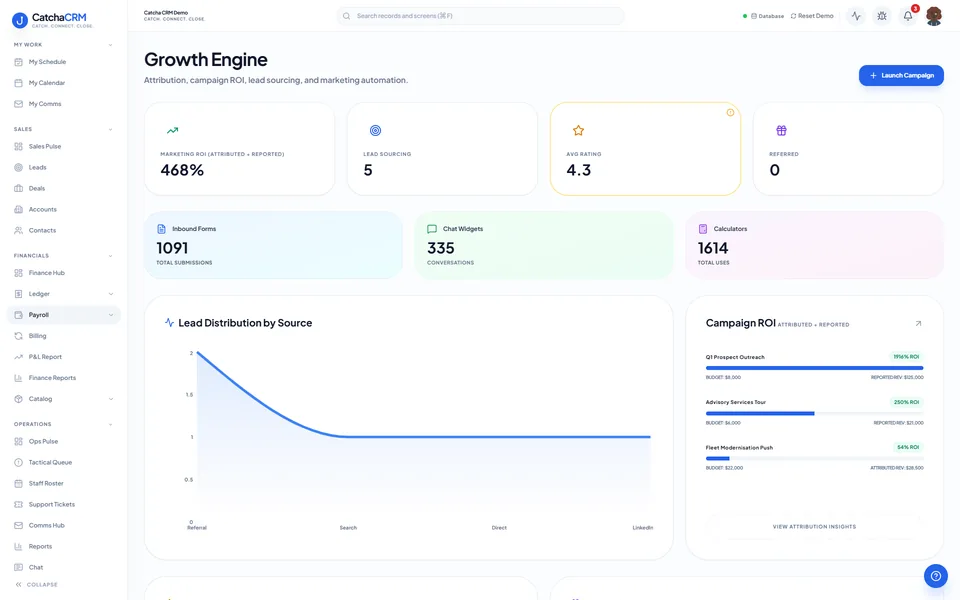
Marketing & growth
Keep the pipeline full without a separate marketing platform. Campaigns, social posting, reviews and inbound forms all write back to the same lead records.
- Email & SMS campaigns
- Campaign lists and send logs
- Review invitations after completed jobs
- Post to Facebook, Instagram, X, LinkedIn, YouTube and TikTok (to your inbox)
- Google reviews sync and reply, once Google approves your Business Profile API access
Staff phone view
Your staff get a phone view for their jobs, timesheets and messages. Add it to the home screen; there's no app store download. It works online only, and staff see only their own work.
- Today's jobs and schedule, with photos, notes and materials used
- Timesheets, roster and payslips (Payroll is in Beta)
- Tickets, team chat and email/SMS
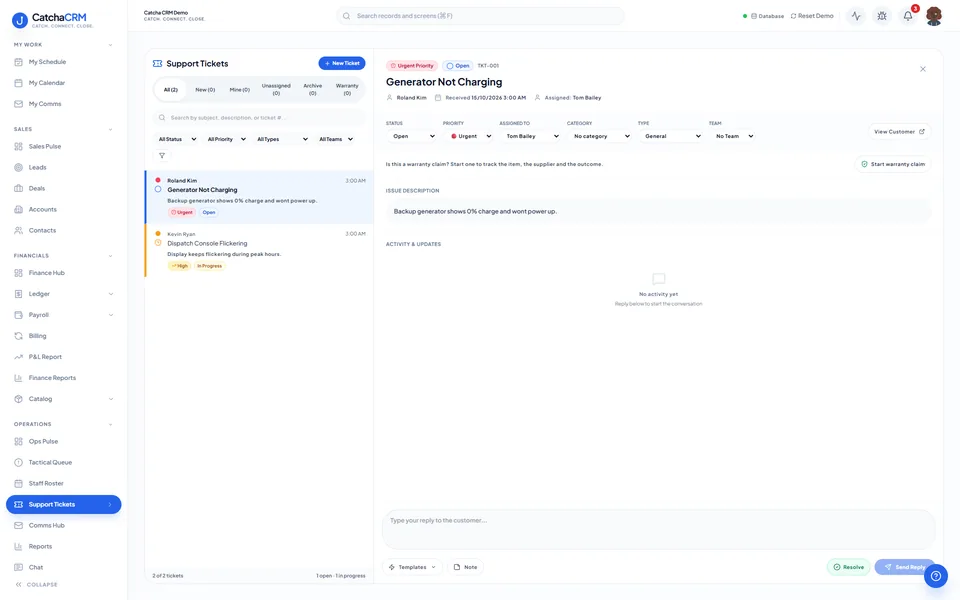
Support desk & comms hub
A ticketing desk with SLA timers and a knowledge base, plus every conversation — email, SMS, calls and team chat — attached to the customer record. The ticket and the thread that produced it sit in the same place.
- Tickets, SLA timers, queues
- Escalation & assignment rules
- Connected email accounts & threads
- Softphone/voice calling
AI, automation & security
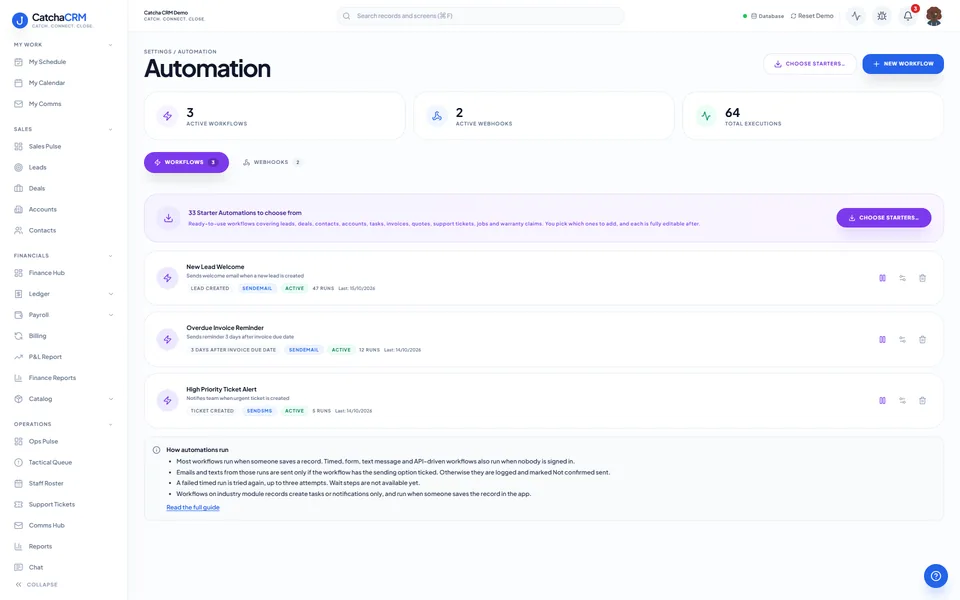
An automation engine that does the chasing once you set up the rules, AI drafting where it helps, and true multi-tenant isolation underneath it all. Every rule that fires leaves a log, and every change leaves an audit trail.
- Workflow rules, webhooks and execution logs
- AI drafting for emails, quotes and follow-ups
- Overdue invoices chased by SMS, with rules you set up
- Granular per-module permissions, and industry packs switched on or off per role
See it with your industry's blueprint.
Pick one of 25 industry blueprints at signup and your pipelines, fields and catalogues are pre-built before you log in.